1
Prep your wall
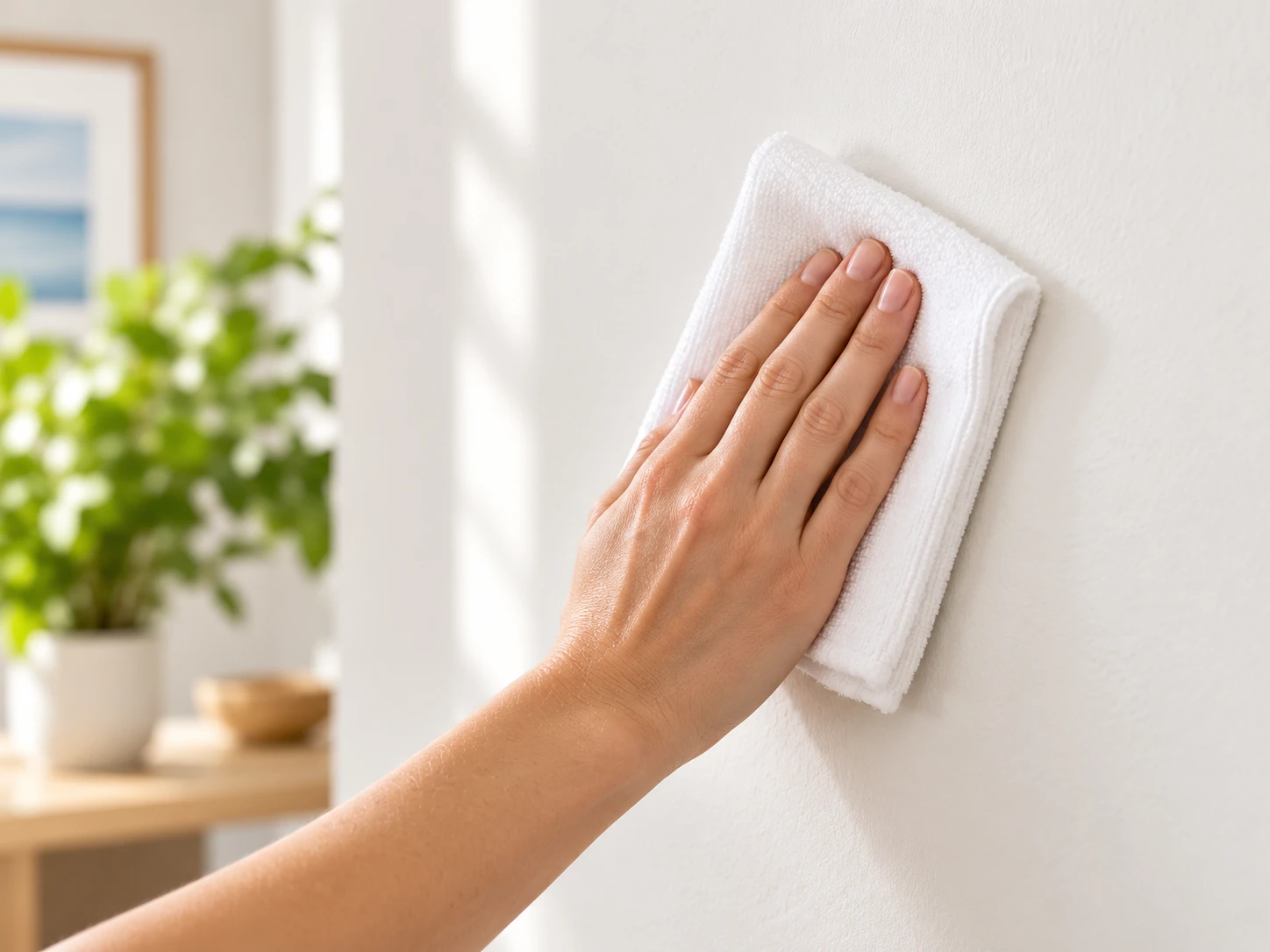
Choose a clean, smooth, dry surface compatible with the circular mounting pads. Follow the supplied wall preparation directions.
Foam wall art installation and care
Learn how to hang, level and remove your frameless foam PicPanels using circular adhesive mounting pads and the included mini level. Plus, tips for framing paper posters.
Step-by-step foam print installation
Follow these six steps to mount your lightweight, 1/2-inch foam PicPanel with its four circular adhesive pads and included mini bubble level.
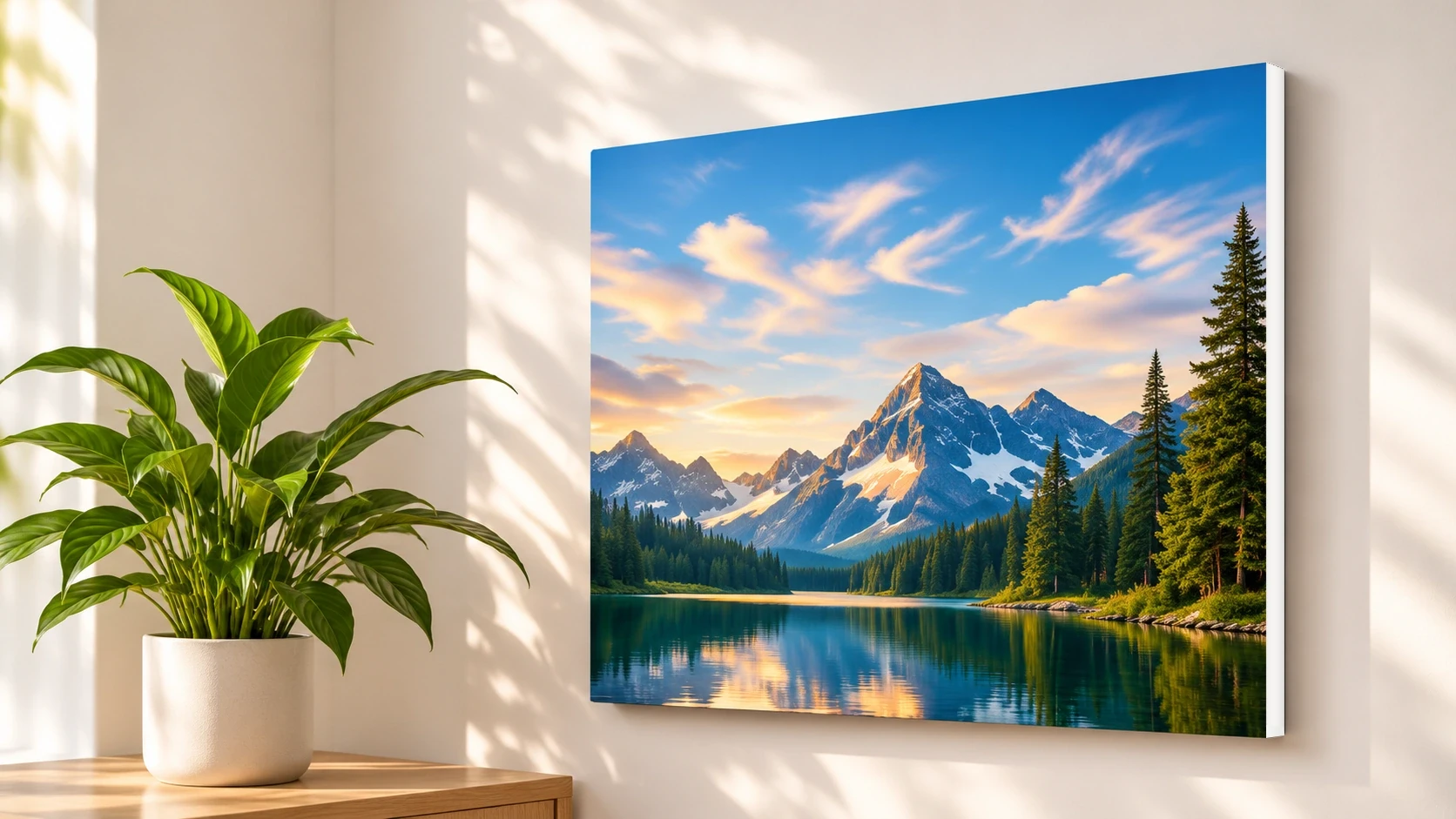
Clean and dry a suitable smooth wall, attach four circular mounting pads to the back of your PicPanel, remove the protective liners, use the mini level to position the artwork, and press each mounting point as directed. Always confirm that your wall finish and panel weight meet the instructions supplied with the pads.
Choose a clean, smooth, dry surface compatible with the circular mounting pads. Follow the supplied wall preparation directions.
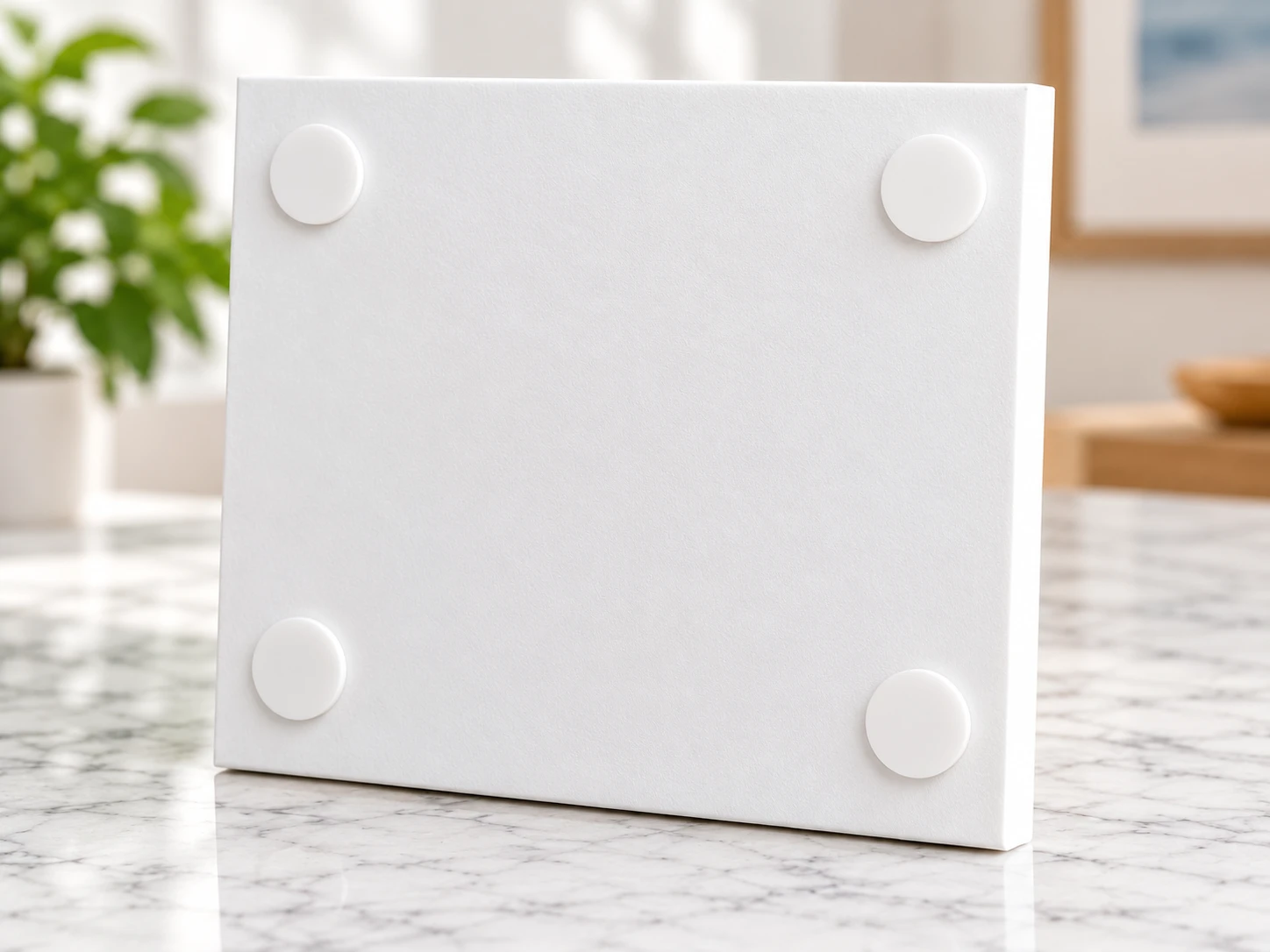
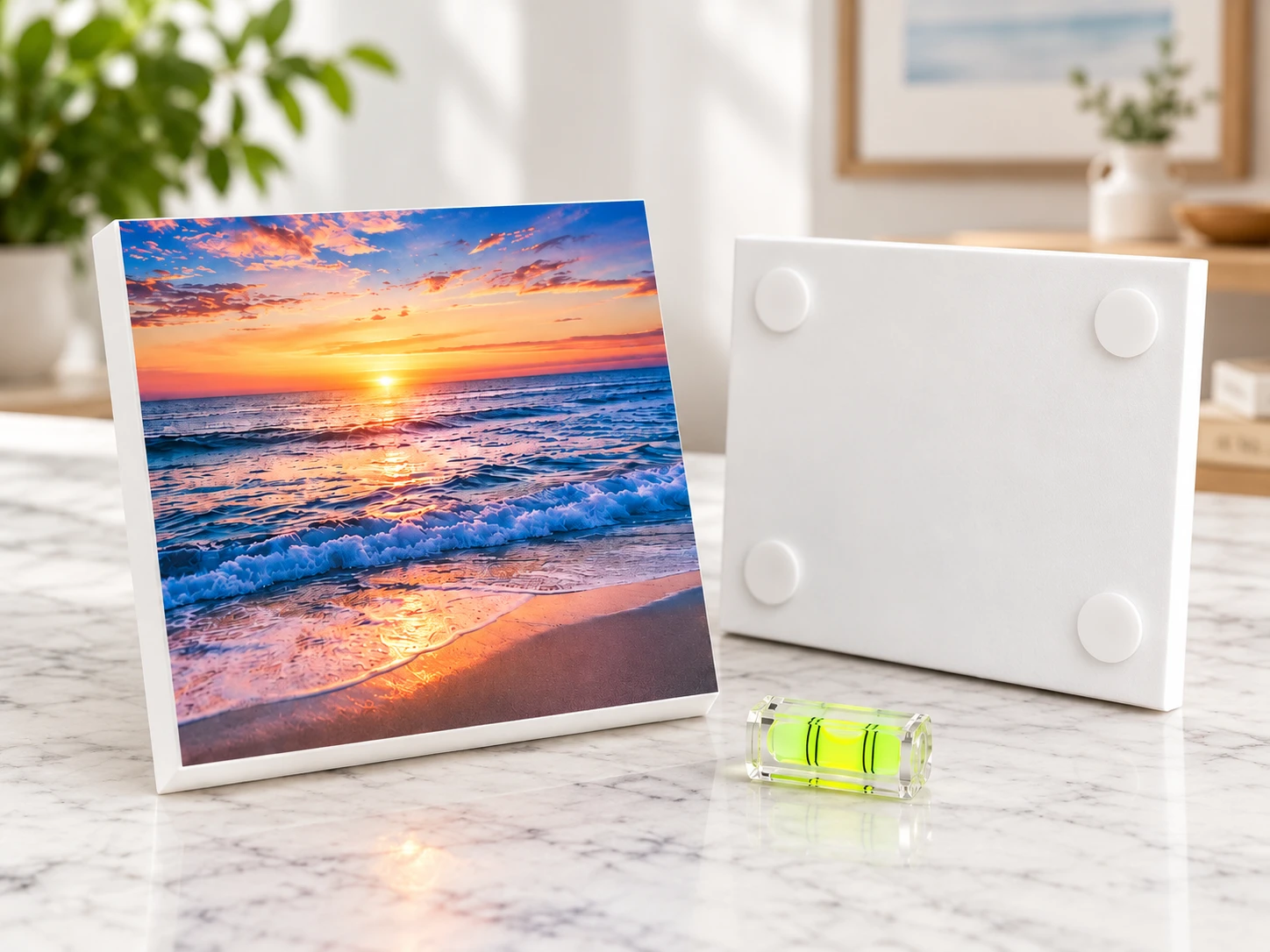
Place the four included circular adhesive mounting pads near the corners on the back of your PicPanel, following the supplied directions.
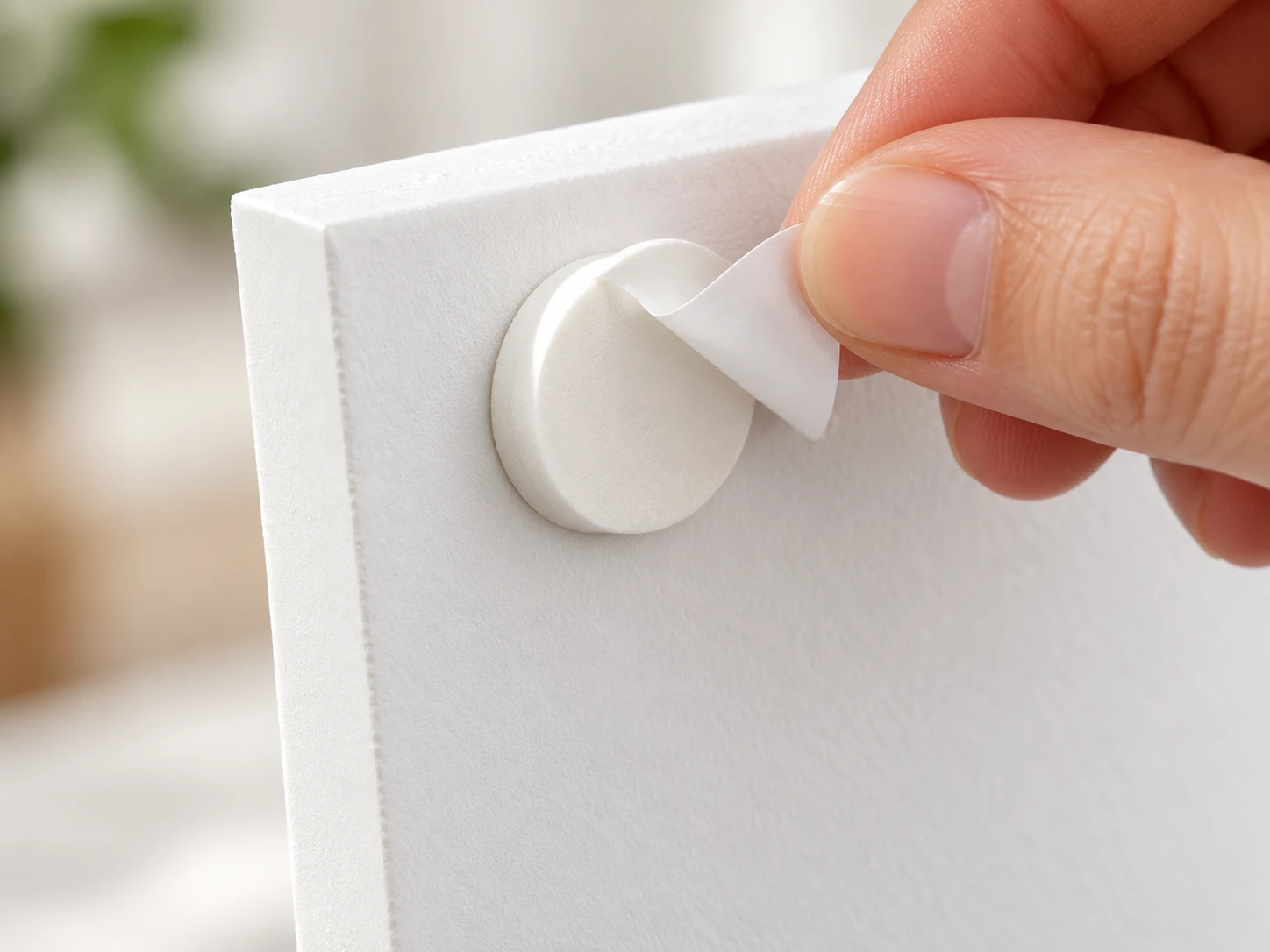
Remove the protective liners from the circular mounting pads when you are ready to hang your artwork.
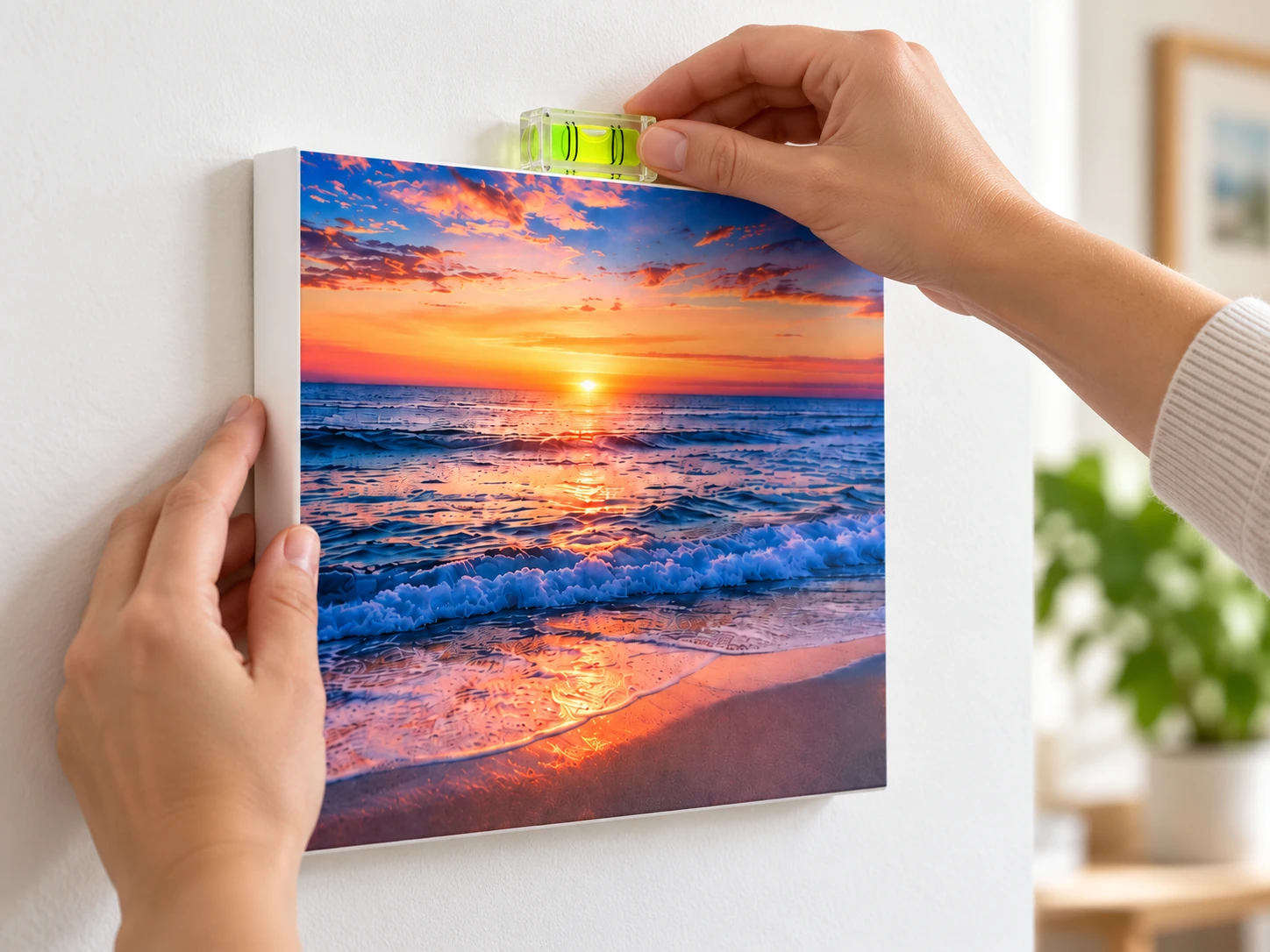
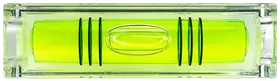
Hold your PicPanel where you want it at an angle so the top presses against the wall while the adhesive hook-and-loop mounts do not yet touch the wall. Place the mini level on top of the PicPanel and adjust until the bubble is centered.
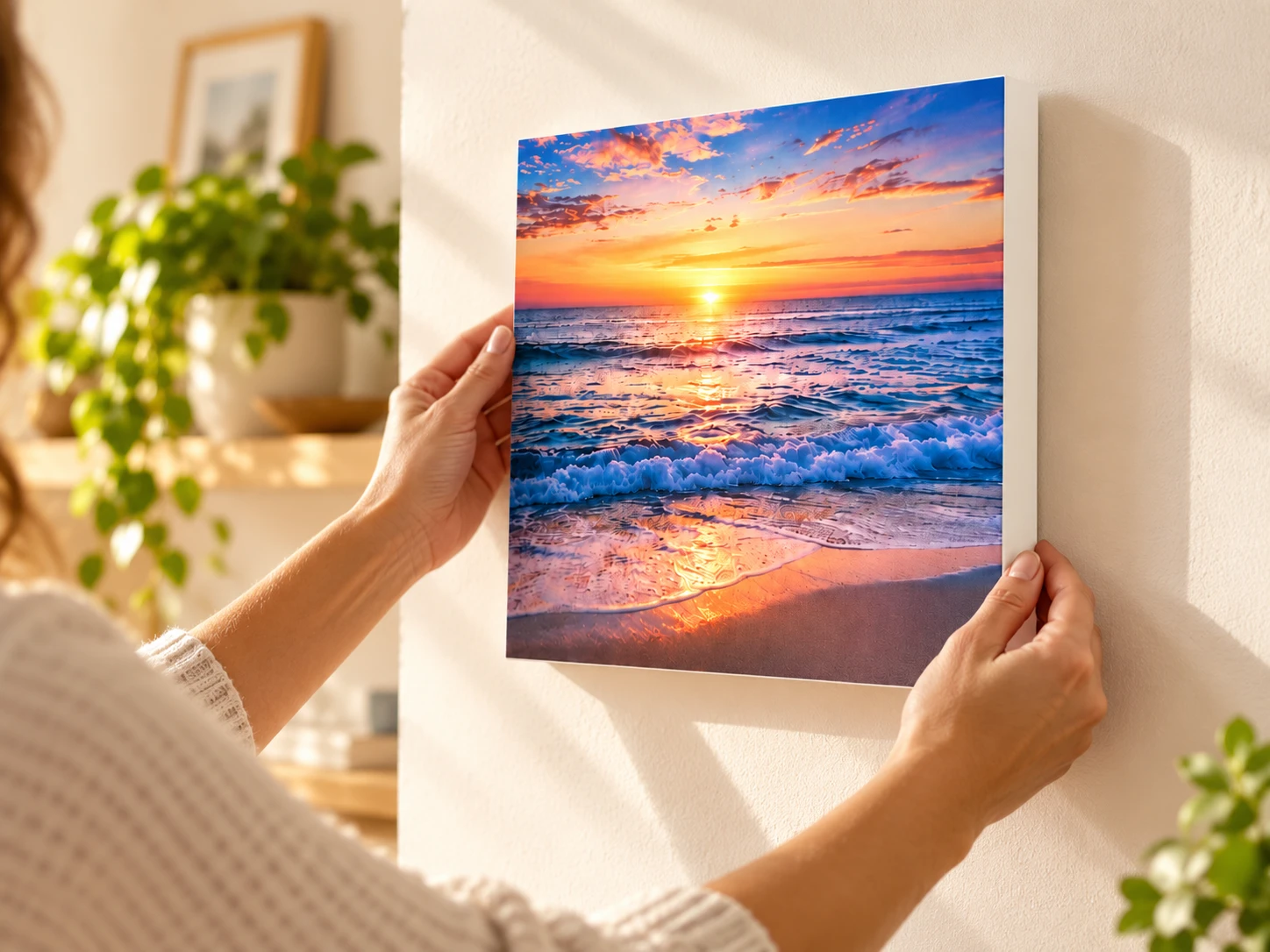
Press each mounting point firmly against the wall with your hands if possible. If you cannot press all the mounting points at once, press two at a time for 6 to 10 seconds with slight pressure. Do not apply so much pressure that you dent the foam.
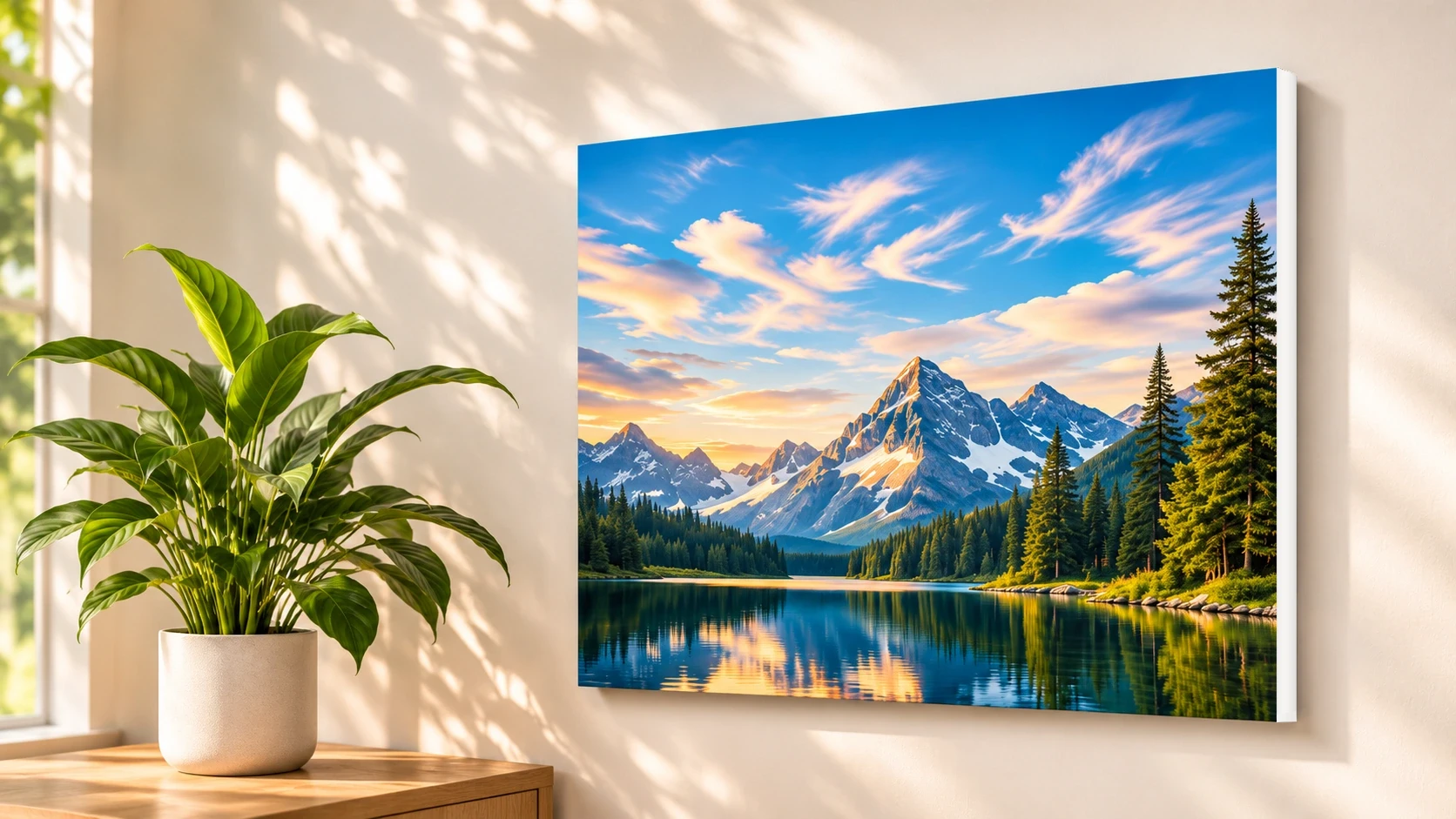
Step back and enjoy your frameless display after completing the mounting instructions.
Before hanging: Check that the wall is smooth, dry, clean and compatible with the included circular pads. Follow all supplied preparation, weight-limit and removal instructions. Fresh paint, wallpaper, textured surfaces and delicate finishes may not be suitable; adhesive products cannot guarantee damage-free removal on every wall.
Safe removal and wall care
To take down a foam PicPanel, support the artwork first, release the circular mounting pads using their specific instructions, and check the wall gently afterward. Never yank the panel away from painted drywall.
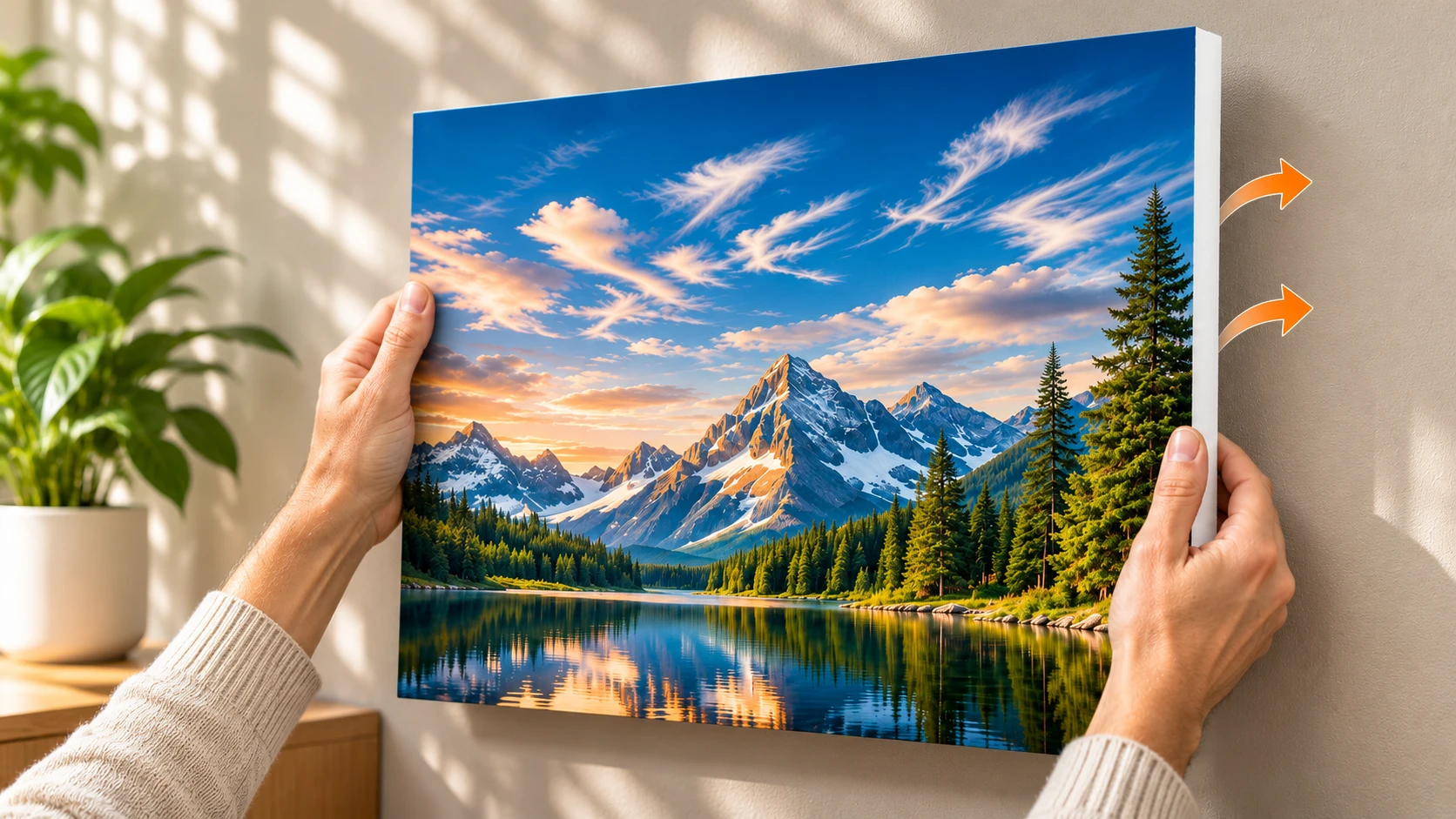
Support the PicPanel and apply pressure to the back of the PicPanel to pull it away from the wall. The hook-and-loop connection should detach easily with slight force. You can pull from either the top or bottom while supporting the PicPanel on both sides.
Remove circular adhesive pads only by peeling them like a sticker. This helps keep the PicPanel backing from tearing and, when removing pads from the wall, helps protect the paint or wall surface. Do not peel quickly. Go slowly and steadily.
There should be no residue, but if there is, clean any remaining adhesive with a dry paper towel or rag. The adhesive should stick to the towel and pull away from the wall. Use slow motions with slight pressure. Never scrape any surface, especially painted surfaces.
Paper poster framing guide
PicPanels paper posters are sold unframed. Choose a frame sized for your print, add an optional mat, place the poster behind frame glazing and hang the finished frame with suitable hardware.
Shop Custom Printed Posters
A standard-size frame is an easy way to finish and protect your artwork.
Frames are optional and sold separately.
PicPanels installation FAQs
Answers about adhesive mounting, compatible walls, removing foam prints, leveling and framing posters.
Prepare a compatible smooth, clean and dry wall. Attach the four circular adhesive mounting pads to the back of your PicPanel and remove their protective liners. Hold the panel at an angle with its top against the wall, center the bubble in the included mini level, then press each mounting point with gentle pressure for 6 to 10 seconds, two at a time if necessary.
PicPanels foam prints have a lightweight, rigid 1/2-inch white foam base. Orders include circular adhesive mounting pads and a mini bubble level to help position the artwork.
Clean, smooth, dry and structurally sound surfaces are generally preferred. Textured walls, wallpaper, fresh paint and fragile finishes may be incompatible. Always follow the supplied mounting instructions and surface recommendations.
Hold the PicPanel at an angle with its top edge against the wall before the hook-and-loop mounts connect. Place the included mini level along the top, adjust until the bubble is centered, then press the mounting points gently into place.
Support the PicPanel from both sides and apply slight pressure to release the hook-and-loop connection. Peel the circular adhesive pads slowly like stickers, rather than pulling sharply or scraping painted surfaces. If residue remains, gently lift it with a dry paper towel or rag.
Wall condition, paint finish, surface compatibility and removal technique affect the risk of damage. Adhesive mounting cannot guarantee damage-free removal on every surface. Test an inconspicuous compatible area and follow the supplied instructions.
Do not assume adhesive pads can be reused after removal. Replace single-use adhesive mounts and follow the instructions for your particular mounting pad before rehanging.
Weight limits depend on the exact pad, wall surface and installation configuration. Refer to the supplied mounting instructions and do not exceed their stated capacity.
Choose a frame that matches your poster dimensions, optionally add a mat, position the paper print behind the glazing and hang the completed frame with hardware rated for its weight. Frames are sold separately.